

The cricket scoring software the pros count on.


Keep the fans connected from anywhere.
Wherever your fan-base is based, they can always check in on the latest action. NV Play’s Online Match Centre keeps your audience connected, with ball-by-ball playback, live updates, a detailed scorecard, and more.


Make mistakes disappear.
Flaws in the score can lead to flawed analysis, flawed insights, flawed strategies and confused fans. When a mistake is caught out, NV Play automatically adjusts every flow-on effect. It even lets you cross-check your numbers with a second scorer after each over.


Turn your score into a single source of truth.
Our scoring tools play nice with others. Plug them into your existing systems, or get the full benefits of NV Play’s integrated suite of specialist scoring software. So your scorer, analyst, and live streamer can all read from the same playbook.


Get far more out of your score.
This is cricket scoring’s end-game. NV Play’s powerful analysis scoring tools let you add rich meta data to individual balls. Shot Type, Pitch Map, Ball Arrival, even custom Events. The kind of match data that coaches and analysts live for.

Our scoring plans are the best in the field. Not that we’re keeping score.
Elite cricket software now for every cricketer who needs it.
For Cricket Clubs
Whether you're playing for the social team or batting for the Premier League, this is the total scoring solution your club's been looking for.
For Schools & Academies
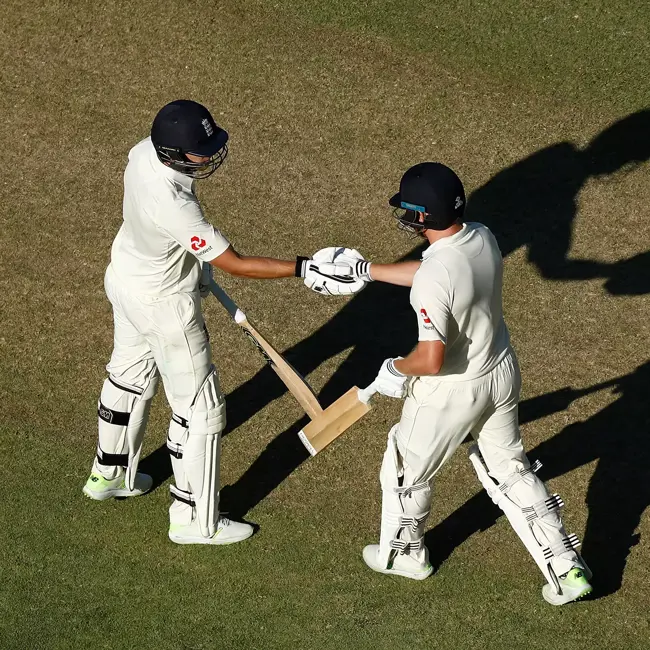
Give your students a pro-level cricketing education with pro-level scoring tools that capture the numbers that matter.

For Scorers & Analysts
Keep score with pin-point accuracy and access the deepest level of data in the game.
For Tournaments & Competitions
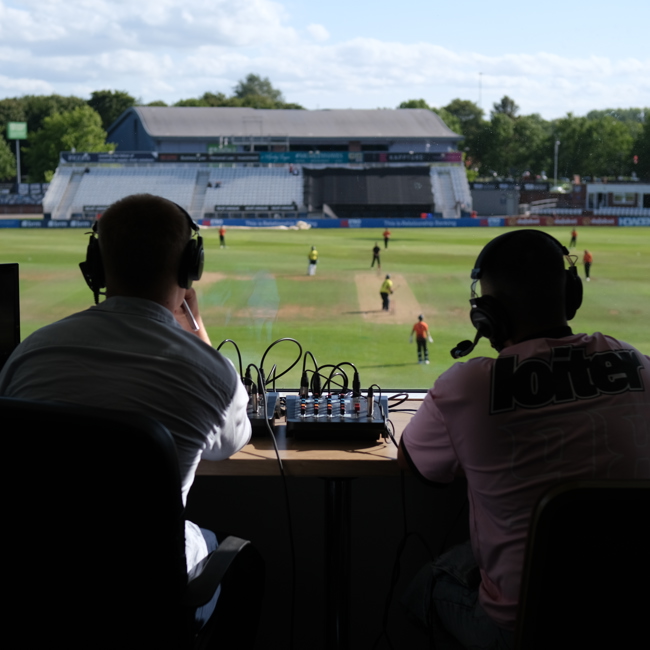
Knock the competition out of the park with a turnkey solution for tournaments of every size.
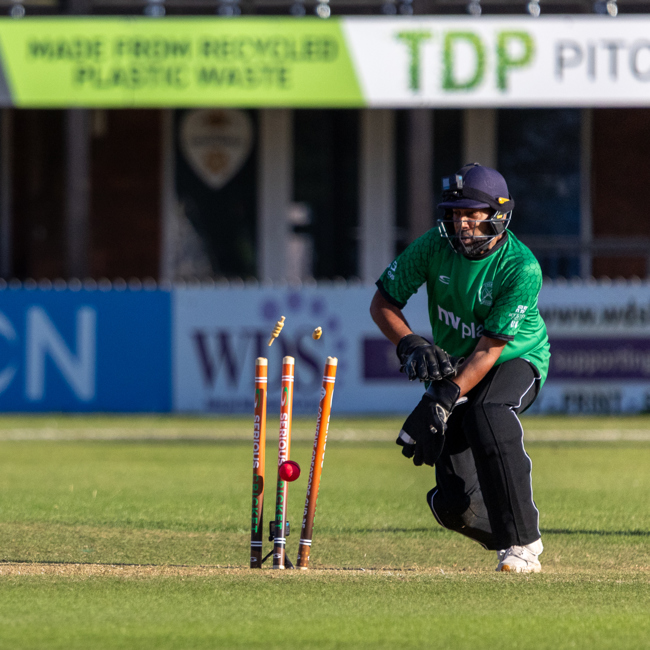
If you've seen an international cricket match, you've probably seen NV Play scoring in action.
The easy link with our Play Cricket page for storing scorecards, stats and videos online is a great and priceless benefit.

The NV Play system has been a brilliant addition and allowing spectators to follow online makes life easier for everyone! It is a fantastic one stop scoring and streaming app that everyone can use.

NV Play provides important operational functionality at Surrey CCC. The software is reliable and helps us simply achieve a vital task that would otherwise be far more complex.

The live scoring aspect is excellent. I would recommend NV Play to any provincial board or club team to improve performance and increase commercial opportunities.

The software is amazing, running automatically from the Scorer. The amount of detail you can go into is second to none. We could not recommend it highly enough.

NV Play includes a suite of features designed to improve accuracy, speed, and confidence for scorers at any level. These include Auto-Correct, Scoring Assists, End-of-Over Checks, Real-Time Validation, and Post-Match Editing tools.
Auto-Correct activates when a user edits a ball and prompts whether to update all subsequent balls automatically. This makes sure that striker/non-striker details, batter runs, bowler statistics, and all related data stays accurate – saving time and minimising errors whenever an edit affects subsequent balls.
End-of-Over Checks prompt scorers at the end of each over to verify key details, including ball counts, runs, wickets, bowler assignments, and overs bowled. Any errors can quickly and easily be corrected via Edit Mode and Auto-Correct, then you can go back to the End-of-Over Check to confirm all changes. These checks help reduce errors and keep match data accurate.
Scoring Assists are prompts that help scorers manage key events and maintain accuracy, like:
- End-of-Over prompt
- Bowler has reached maximum overs
- Partnership has reached maximum overs (Pairs Cricket)
- New ball due
These assists improve efficiency and reduce errors by highlighting important match events.
Yes. While there isn’t a boundary countback feature, NV Play supports an unlimited number of Super Overs (just in case it ever turns out a single Super Over isn't enough).
Yes. NV Play supports a wide range of cricket formats, including limited overs, Pairs Cricket, Last Man Stands, sight classification categories (B1, B2, B3), junior and recreational cricket, indoor cricket and traditional red-ball cricket. All match rules can be customised to suit your competition or style of play.